
Lightning-Fast Wireless Sharing,Across All Your Devices
Transfer large files, 4K videos, and raw photos at maximum Wi-Fi bandwidth (up to 100+ MB/s) with zero internet data usage and zero compression between Android, Windows, macOS, and Linux.
A Better Way to Share Files
Pure local network performance combined with seamless usability; no annoying ads, no throttling, and no middleman.
Lossless Original Quality
Unlike chat apps like Telegram or WhatsApp that compress your photos and videos, JetShare transfers bit-by-bit raw media and 4K footage intact.
Zero-Config Nearby Discovery
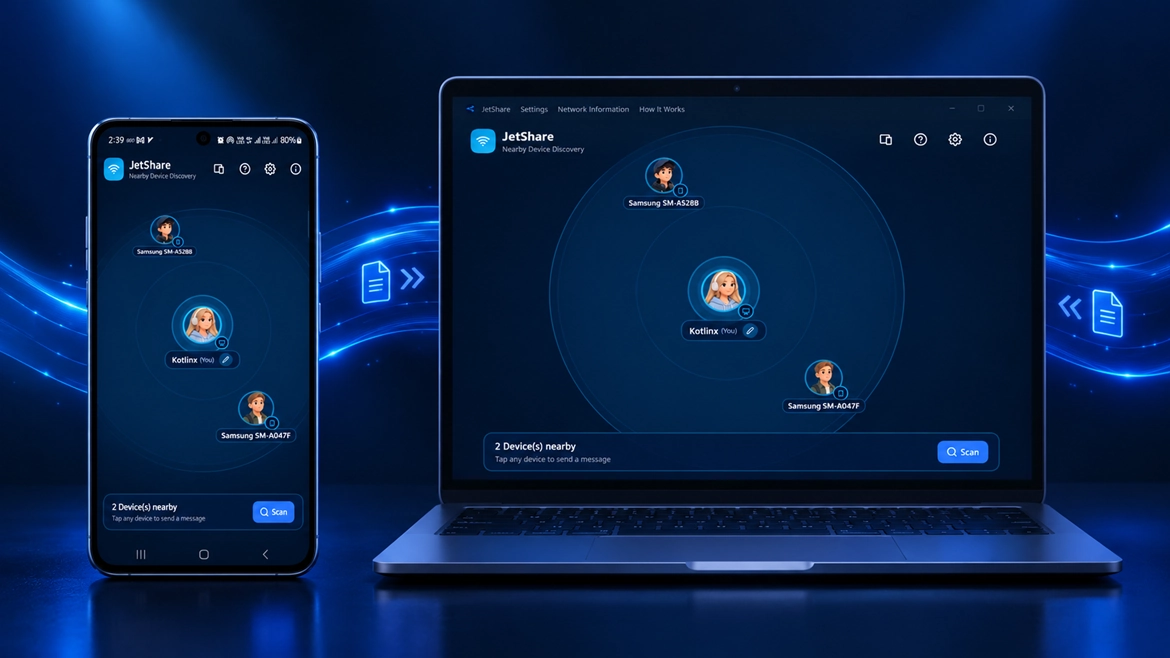
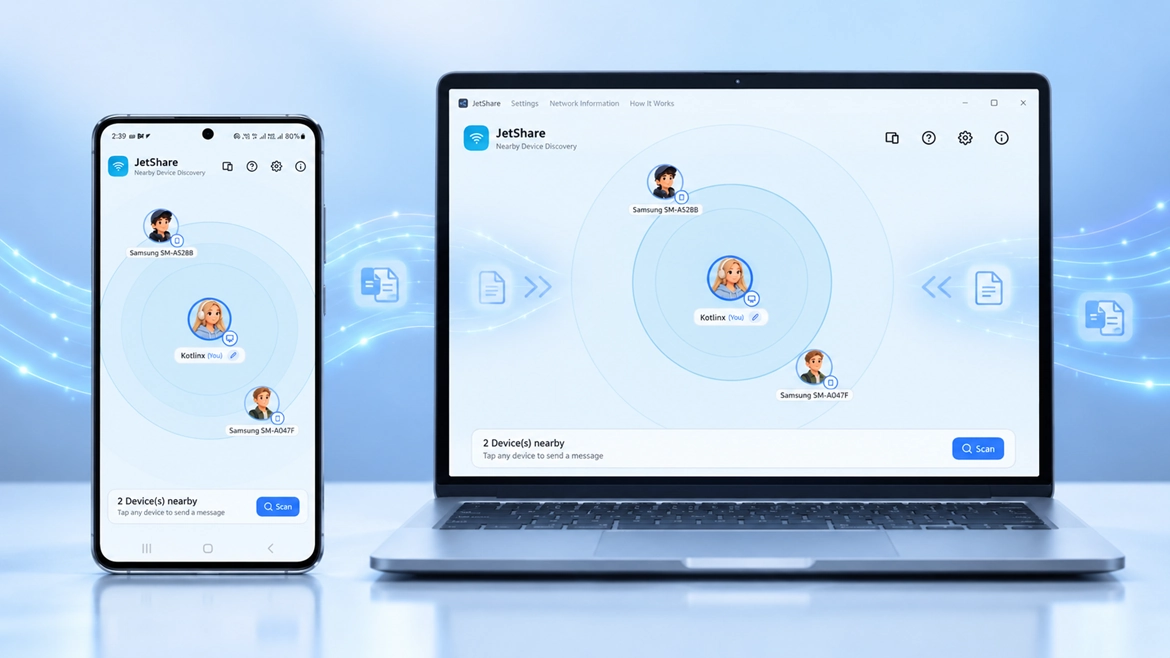
Simply connect to the same Wi-Fi. JetShare immediately discovers nearby devices with names and avatars over peer-to-peer protocols.
Full Folder & Directory Transfer
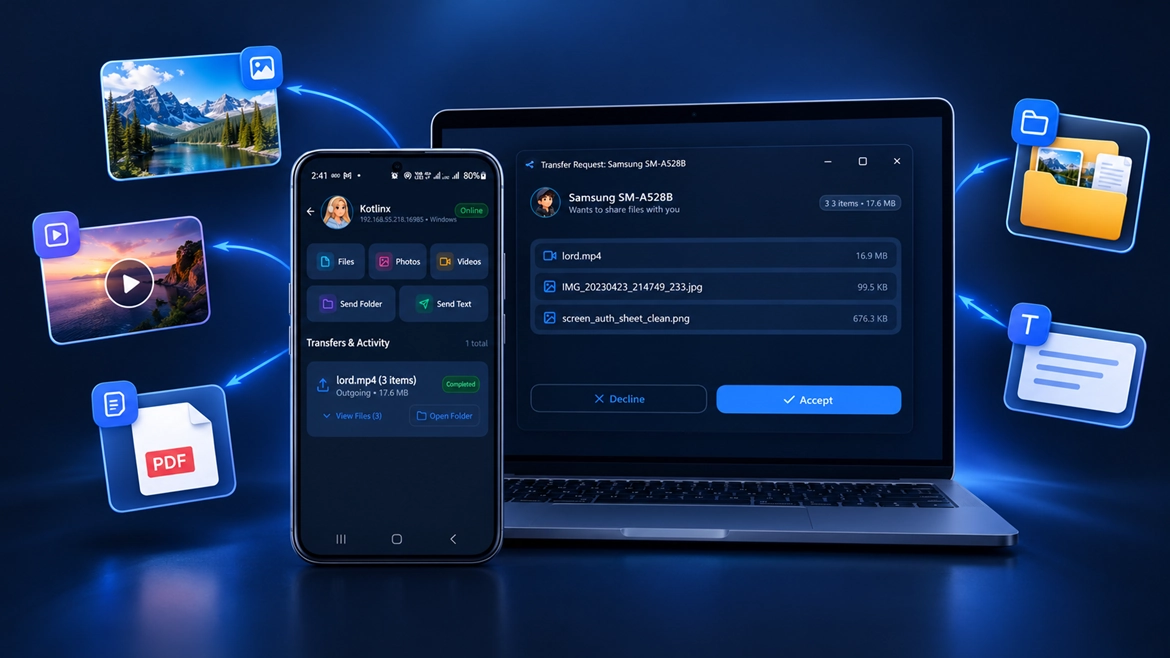
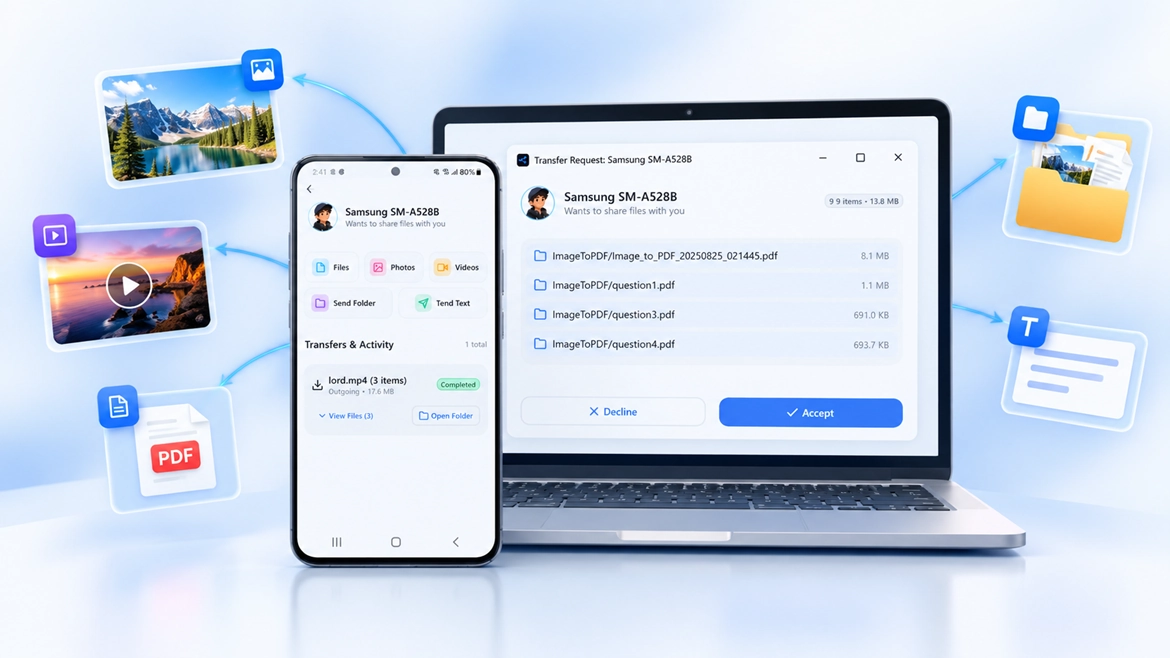
No need to compress hundreds of project files into ZIP archives. Transfer complete folder structures with a single tap.
Hotspot & Outdoor Mode
Traveling or without a home router? Simply turn on your phone's personal hotspot and transfer at full wireless speed anywhere.
True Cross-Platform Ecosystem
Smooth file exchange between Android, Windows, macOS, and Linux without walled-garden restrictions.
Modern Material 3 Design
Stunning Compose Multiplatform interface with fluid transitions, squircle continuous corners, and dark/light themes.
How to Transfer in 3 Easy Steps
No sign-up required, no phone number, and no email; start sharing in seconds.
Connect to Same Wi-Fi or Hotspot
Connect both devices to the same local Wi-Fi router, or turn on your mobile hotspot (even with cellular data off) and connect.
Select Destination & Files
Launch JetShare. Nearby devices appear instantly. Drag and drop files, videos, or full folders.
Instant High-Speed Transfer
Confirm transfer on the target device. Watch files transfer at up to 100+ MB/s.
Get Latest Version (v1.0.3)
All release packages are built and synchronized directly with cloud storage. Choose your platform below.
Setup Installer (.exe)
Windows 10 & 11 (64-bit setup installer)
Other available packages:
The Setup.exe installer creates desktop shortcuts and registers local associations. During initial launch, allow access through Windows Defender Firewall on Private Networks so other devices can discover your PC.
Why Choose JetShare?
Compare JetShare performance against traditional sharing methods.
| Criteria | JetShare | Bluetooth | Cloud Messaging | USB / Flash Drives |
|---|---|---|---|---|
| Maximum Transfer Speed | Up to 100+ MB/s | 1 to 2 MB/s max | Bottlenecked by internet download | Fast but requires cables & adapters |
| Internet Connection Required | Completely Offline (0 MB) | Offline | Double data usage (Upload + Download) | Offline |
| Compression & Quality Loss | Zero (100% Original) | None | Compresses media by default | None |
| File Size Limits | Unlimited (50+ GB files) | Impractical for large files | 2 GB to 4 GB limit | Limited by drive capacity |
| Cross-Platform Support | Seamless 4 platforms | Tedious & prone to pairing bugs | Must log in on every device | File system conflicts (NTFS/APFS) |
| Privacy & Local Security | Direct local network only | Local | Stored on external cloud servers | Malware transmission risk |
Got Questions?
Everything you need to know about JetShare speed, security, and networking.